
Battery Monitors
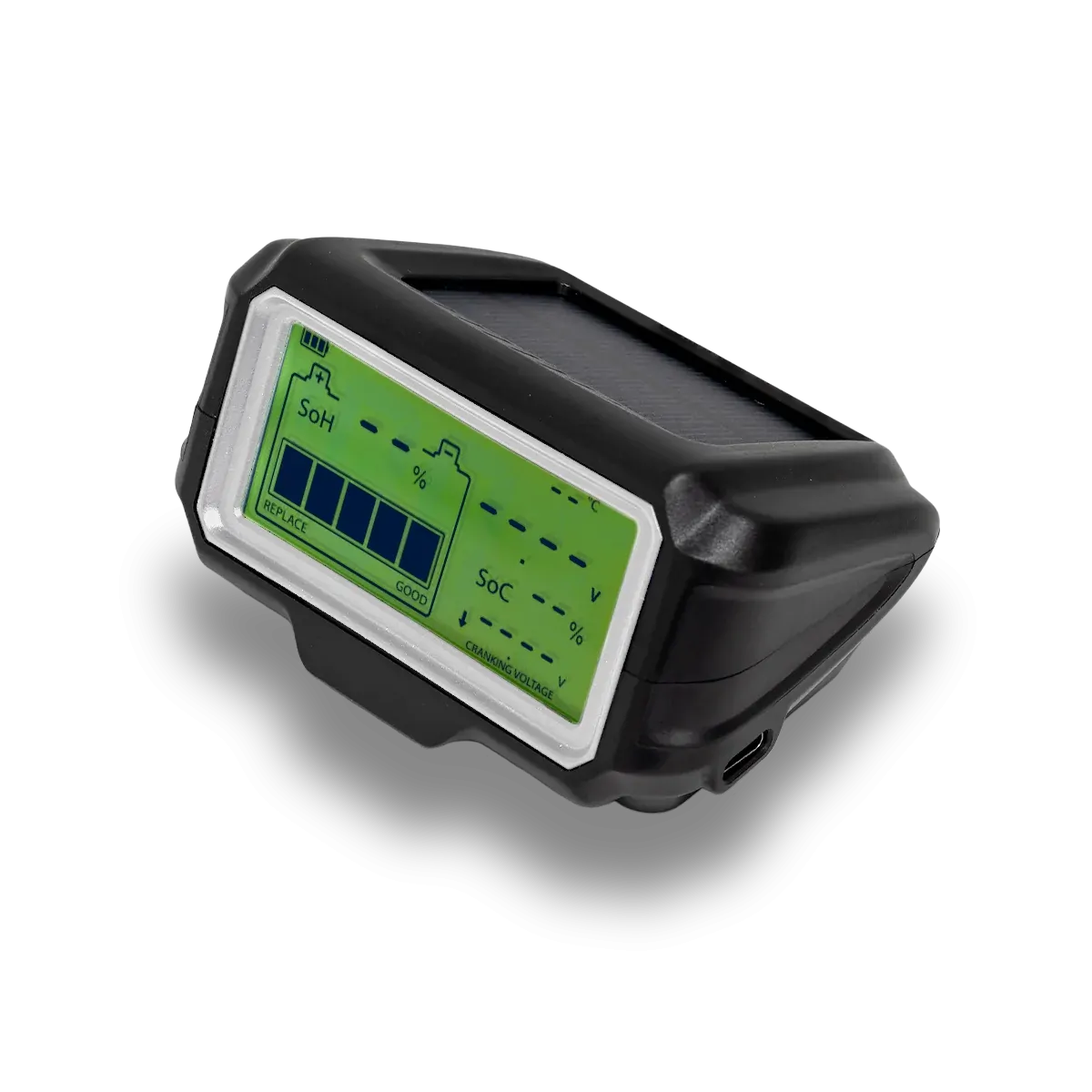
A flat battery is a long walk from the nearest servo. Our Ultimate9 Bluetooth battery monitors sit on top of your 12V battery and send voltage, cranking and charging data straight to your phone, so you can check battery health from the driver's seat, the swag or the couch at home. Choose the lead-acid model for standard, AGM and GEL batteries, or the lithium model for 12V lithium batteries.
Which battery monitor do I need?
Both monitors use the same free Ultimate9 BM app and install the same way. The only difference is the battery chemistry they are calibrated for, so match the monitor to the battery it will sit on.
Lead-acid battery monitor
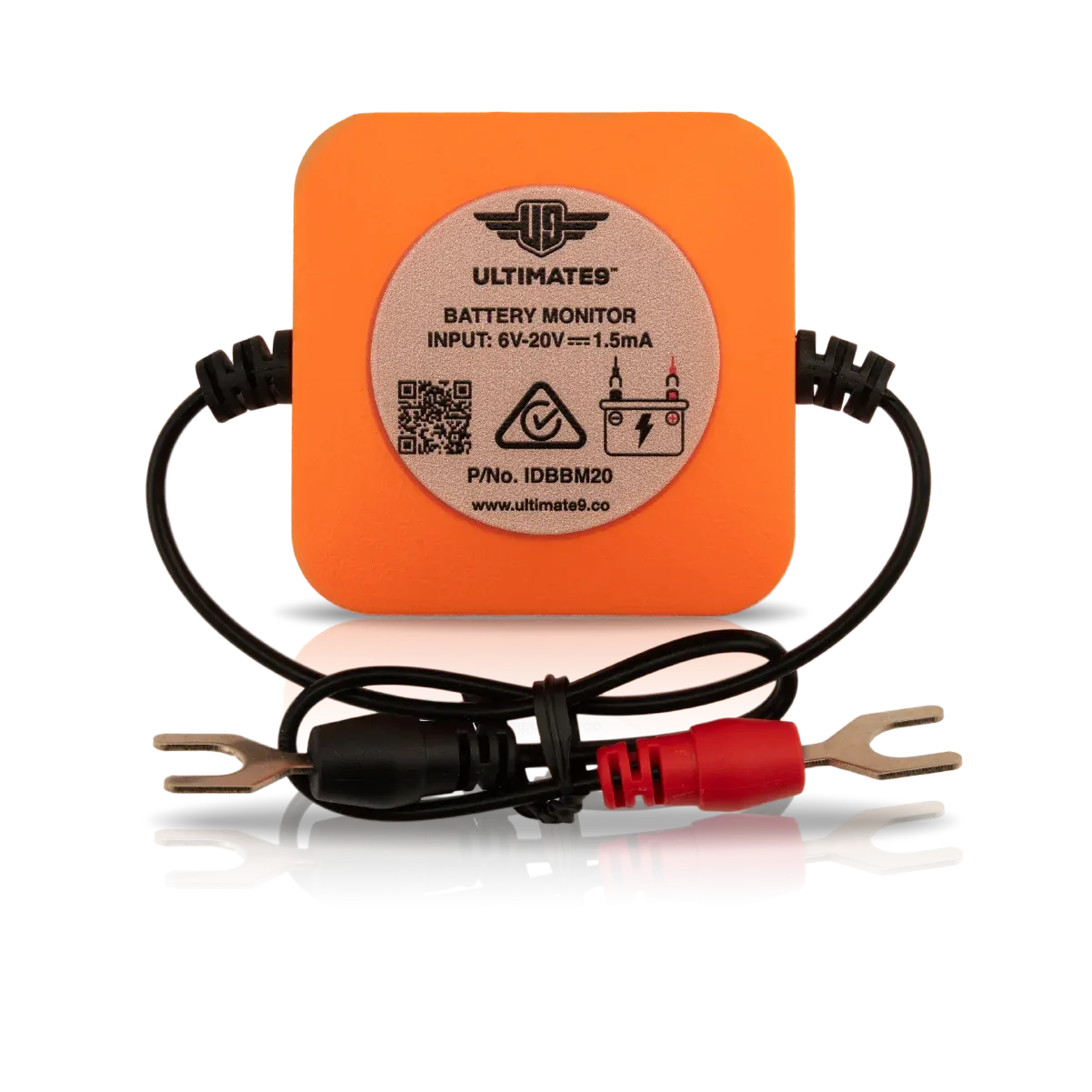
Ultimate9 IDBBM20
For 12V lead-acid batteries, including flooded (wet cell), sealed lead acid (SLA), calcium, AGM and GEL.
Typical fit: factory cranking batteries and most AGM auxiliary batteries in utes, 4WDs and caravans.
Shop the lead-acid monitorLithium battery monitor
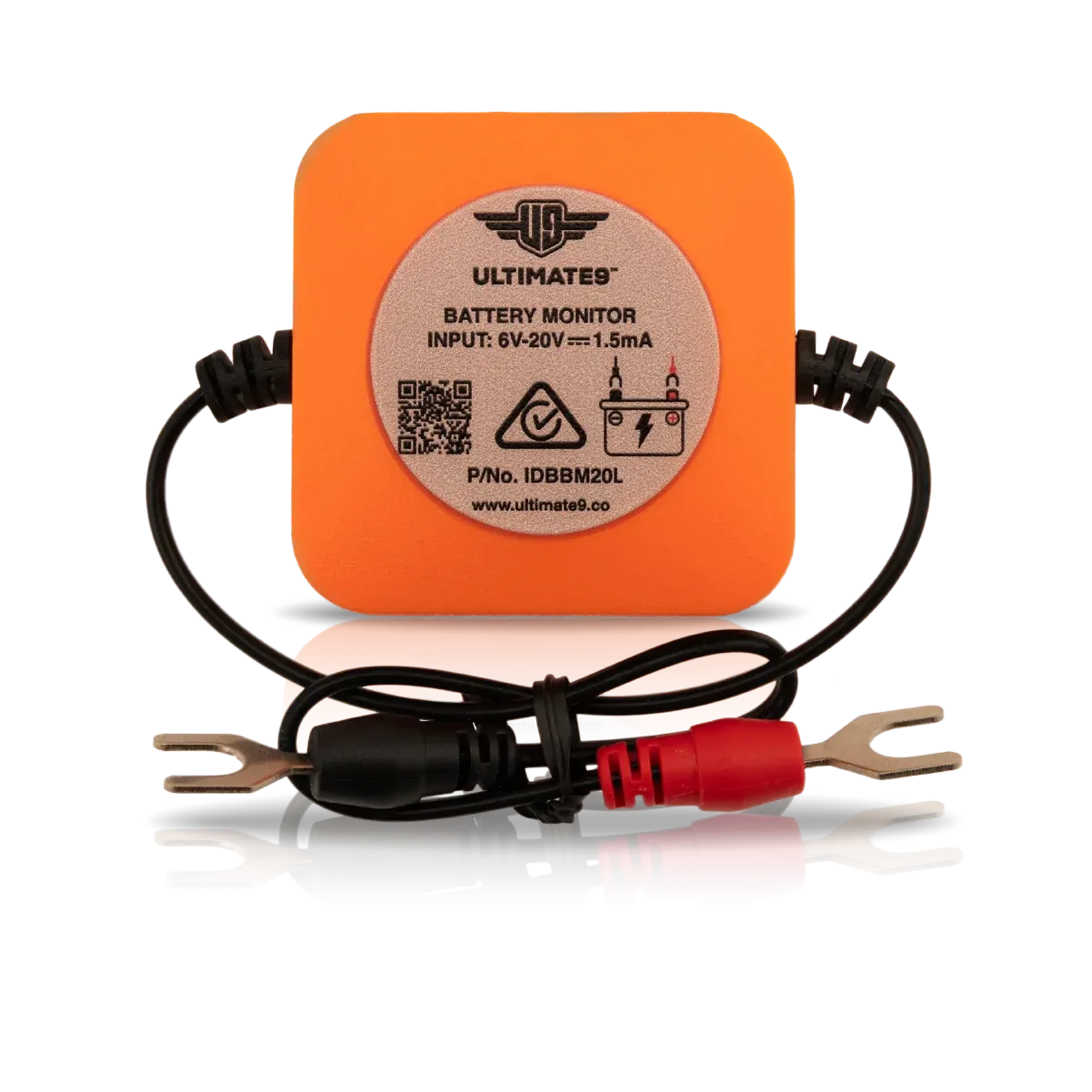
Ultimate9 IDBBM20L
For 12V lithium batteries only. Do not fit to a lead-acid battery.
Typical fit: lithium auxiliary batteries in dual-battery systems, canopies, campers and caravans.
Shop the lithium monitorWhat does a Bluetooth battery monitor do?
Your dash voltmeter (if you have one) only tells you part of the story, and it tells you nothing about an auxiliary battery in the tray or the van. A battery monitor connects directly to the battery terminals and logs what is actually happening at the battery, then shows it in the Ultimate9 BM app on iPhone or Android.
- Live voltage and charge status for each battery you have a monitor fitted to.
- Cranking test to see how far voltage drops when the engine turns over, an early sign of a tired starting battery.
- Charging test to check the alternator or charging system is doing its job.
- Low-voltage alarms set in the app, so your phone warns you before the battery is too flat to start or run the fridge.
- Trip recording to see how much charge goes back in while you drive.
- 31-day looped history so you can look back at how a battery has behaved over the past month.
- Short-circuit and reverse-connection protection built into the unit.
Who uses a battery monitor?
Anyone running a 12V system they can't afford to have go flat. Common setups we see:
- 4WD tourers and dual-battery utes keeping an eye on the auxiliary battery running fridges, lights and chargers off-grid.
- Caravans, campers and motorhomes checking house batteries overnight without climbing into the boot or under a seat.
- Vehicles in storage such as weekend cars, project cars, motorbikes, boats and the second car that only moves once a fortnight.
- Hard-to-reach batteries under seats, in canopies or behind panels, where a quick multimeter check isn't quick at all.
How do you install a battery monitor?
Installation takes a few minutes with basic hand tools, and you don't need to disconnect the battery or re-enter radio codes.
- Loosen the nut or bolt on each battery terminal.
- Slide the 8mm forked cable lugs under the nut or bolt (red to positive, black to negative) and re-tighten.
- Sit the monitor neatly on top of the battery.
- Download the free Ultimate9 BM app from the Apple App Store or Google Play, or scan the QR code on the monitor label.
- Open the app, let it find the monitor, and give it a name such as Main, Aux or Caravan.
Full instructions come in the box and are also available in the app under Settings > Hardware Installation.
How many battery monitors do I need?
It depends on how your batteries are wired:
- Separate batteries (for example a cranking battery and an auxiliary battery on an isolator or DC-DC charger) need one monitor each.
- Batteries wired in parallel act as one battery, so one monitor covers the bank.
- Mixed chemistry (a lead-acid cranking battery with a lithium auxiliary) needs one lead-acid monitor and one lithium monitor.
The app can save up to four monitors, each with its own name, and reads one at a time. Not sure about your setup? Get in touch with our Sunbury team and we'll point you in the right direction.
Battery monitor FAQs
Can I use a battery monitor on my cranking battery?
Yes. Ultimate9 Bluetooth battery monitors work on both cranking (starting) batteries and auxiliary batteries, as long as the monitor matches the battery chemistry.
Can I use the lead-acid monitor on a lithium battery?
No. The IDBBM20 is for lead-acid batteries only and the IDBBM20L is for lithium batteries only. Each is calibrated for its own battery type, so fitting the wrong one will give you misleading readings.
Does it work with AGM and GEL batteries?
Yes. The lead-acid monitor (IDBBM20) suits flooded, sealed lead acid, calcium, AGM and GEL batteries.
What is the Bluetooth range?
Around 10 metres on average. Range can drop with metal panels, canopies or walls between your phone and the battery.
Can I monitor more than one battery in the app?
Yes. The Ultimate9 BM app stores up to four monitors, each with a custom name. You view one monitor at a time and switch between them in the app.
Why won't the app connect to my battery monitor?
The most common cause is location services being turned off. Bluetooth apps use location permission to identify the correct device. Go to your phone's Settings, find the Ultimate9 BM app and allow Location, then check your phone's overall location services are switched on.
Will a battery monitor drain my battery?
{{TODO: confirm standby current draw with Ultimate9 before publishing — remove this question if no verified figure is available.}}
What warranty comes with Ultimate9 battery monitors?
{{TODO: confirm warranty period with Ultimate9 / PTAP terms before publishing — remove this question if not confirmed.}}
Explore the range below to complete your setup.
Join our e-mail list to receive updates and special offersJoin Now

Shop Now. Pay Later.
100% Interest-free.
Simple instalment plans available instantly at checkout

Select Afterpay as your payment method
Use your existing debit or credit card

Complete your checkout in seconds
No long forms, instant approval online

Pay over 4 equal instalments
Pay fortnightly, enjoy your purchase straight away!
All your need is:
1) An Australian Visa or Mastercard debit/credit card; 2) To be over 18 years of age; 3) To live in Australia
To see Afterpay's complete terms, visit https://www.afterpay.com.au/terms
© 2026 Afterpay