Know your battery's health before it lets you down

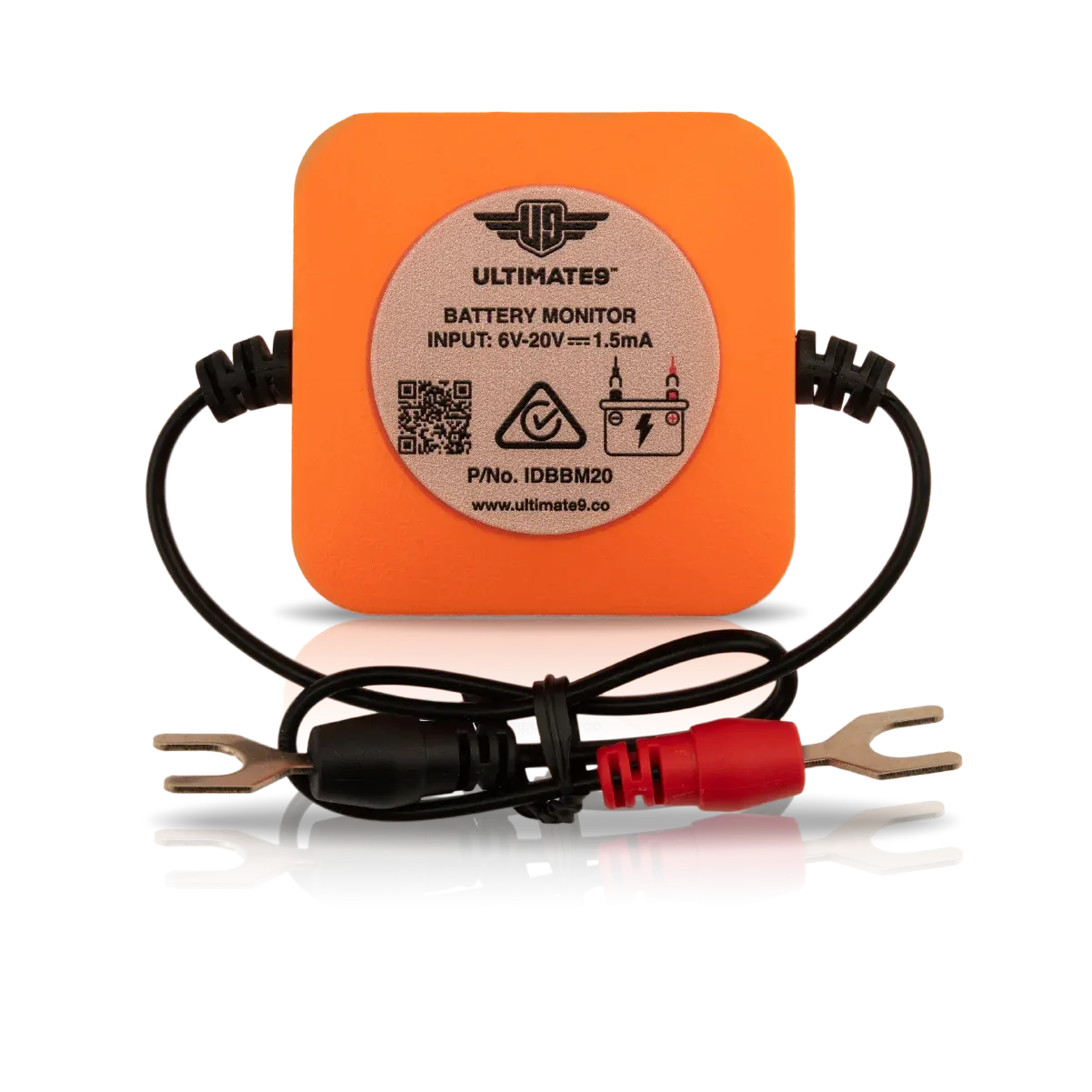
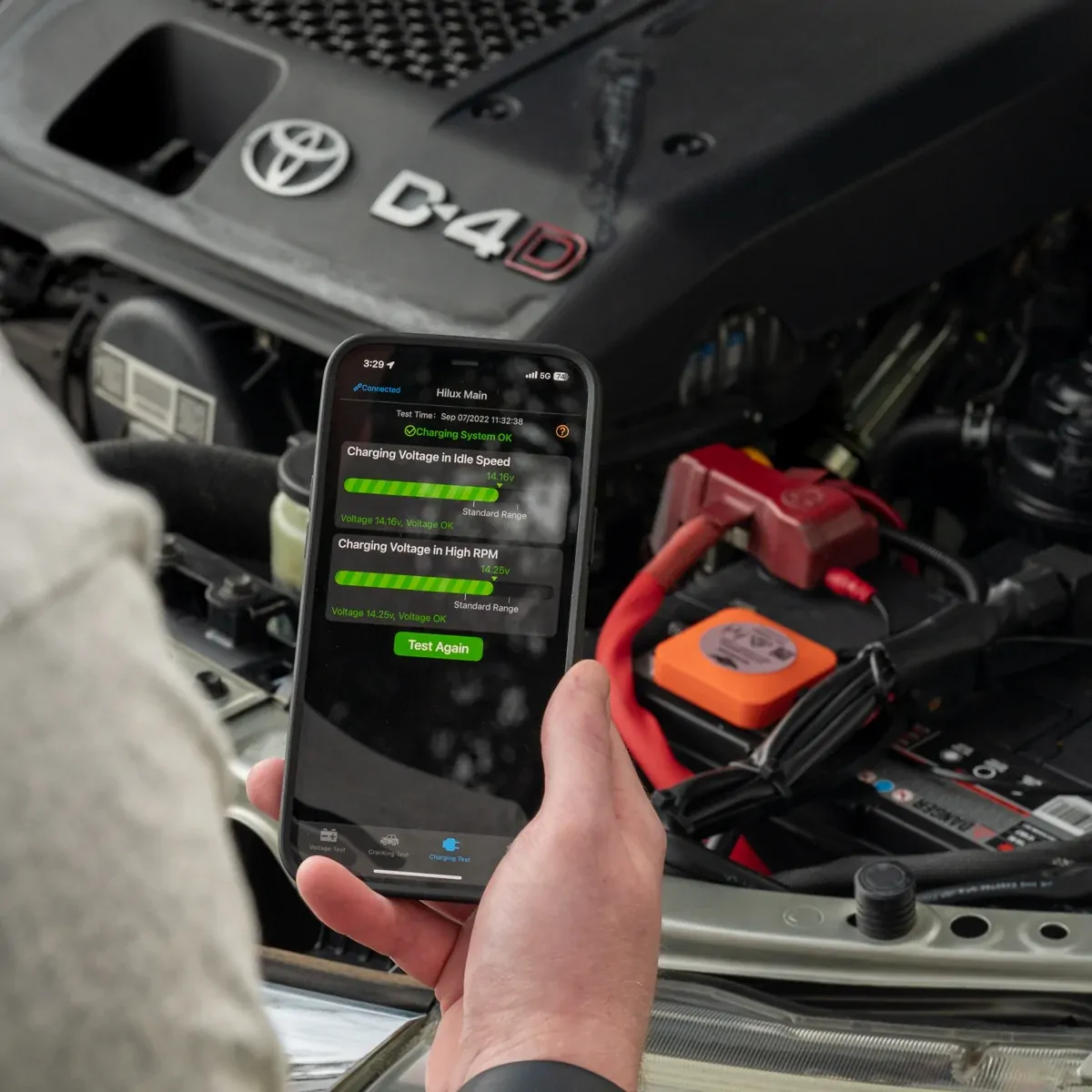
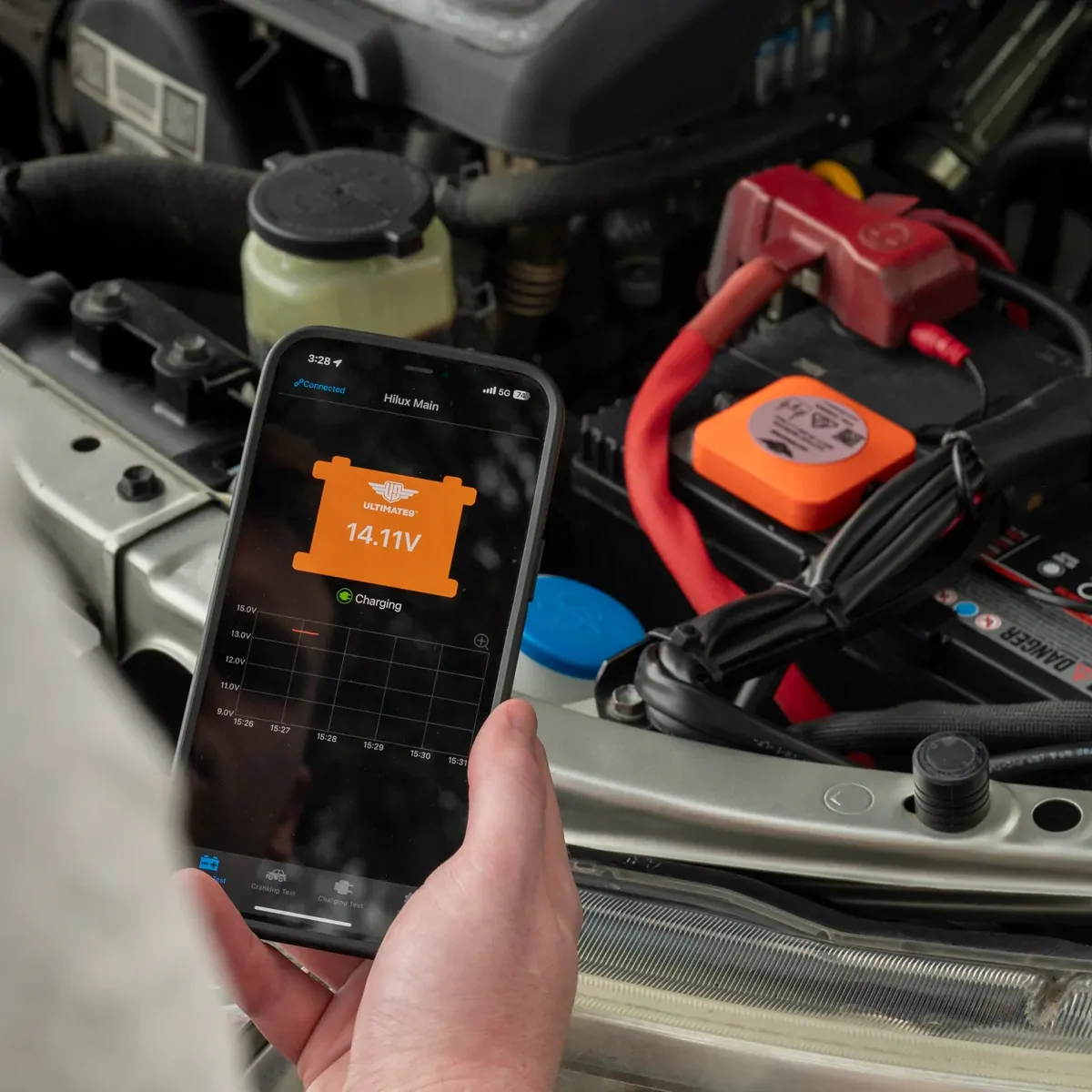
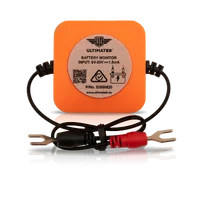
The Ultimate9 Bluetooth Battery Monitor mounts on top of a 12V lead-acid battery and sends voltage and charge status to the free Ultimate9 BM app on your phone. Set two low-voltage alarms, run cranking and charging tests, and look back over 31 days of history. You'll know a battery needs charging before it leaves you stuck at camp or with a flat ute after storage.

⚠️ Lead-acid batteries only (including AGM). Not compatible with lithium (LiFePO4) batteries.

Built for: 4x4 dual-battery setups, caravans and camper trailers, boats, motorcycles, motorhomes, and vehicles in storage. Works on both cranking (main) and auxiliary batteries.

What it does

  • Voltage monitoring with two alarms. Get alerted to low voltage and when a recharge is due.
  • Cranking test. Check how your battery performs at engine start.
  • Charging test. Confirm your battery is getting charge from your charging system.
  • 31-day looped history and trip duration. Review and store past data.
  • Name each monitor in the app, e.g. Main, Auxiliary, Caravan, Bike. [TODO: confirm "up to 4 at once" vs "one at a time"]
  • Short circuit and reverse connection protection.

Installation
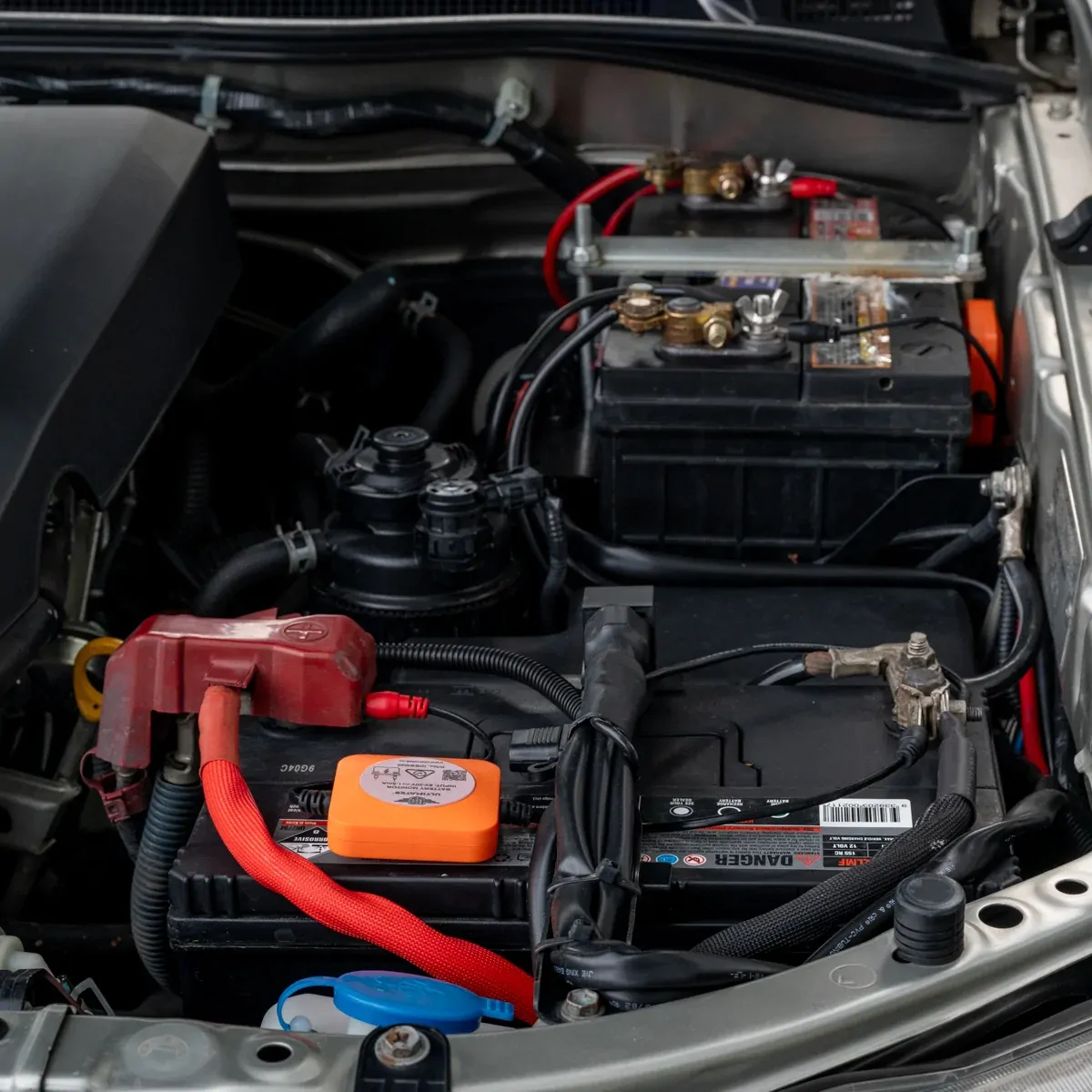
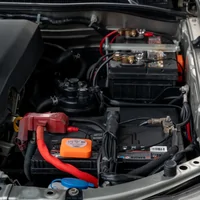
The monitor sits on top of the battery, so you don't need to remove terminals or reset radio codes. Loosen the terminal nut or bolt, slide the 8 mm forked connectors under it, and re-tighten. Full instructions come in the box and in the app under Settings → Hardware Installation. You can also read the [Quick Start Guide].
Prefer it fitted? Our Sunbury workshop can install it. Call 1300 12 13 12 for availability and pricing.

Dual battery setups
If your batteries are separated by an isolator or DC-DC charger, you need one monitor per battery. Batteries wired in parallel act as one and need only one monitor.

Monitoring the health of your vehicle’s battery is made easy with the Ultimate9 Bluetooth Battery Monitor (BBM) and Ultimate9 BM App. 

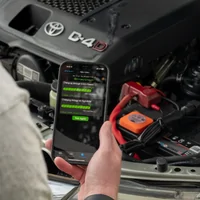
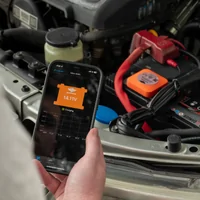
Continuously monitoring your battery's voltage and charge status, the Ultimate9 BM app allows you to set two alarms, alerting you to low voltage situations and the need to recharge. Where data on your batteries status is collected and sent directly from this battery monitor to the BM app on your Bluetooth compatible device.

Perfect for monitoring batteries in storage, as well as off-roading, caravaning and other recreational activities, you can be confident in your battery health with the easy to install Ultimate9 Bluetooth Battery Monitor.

The Ultimate9 BBM App:

Simple to use, the Ultimate9 BM App seamlessly updates data regarding battery status and is capable of monitoring up to 4 batteries at once. Each of which can have a custom name allocated to keep you organised (e.g. Main, Auxiliary, Caravan, Bike, etc.).

The App is available to download via the Apple App Store & Google Play by searching 'Ultimate9 BM' or scanning the QR code located on the Battery Monitor label.

Comprehensive instructions on the Ultimate9 Bluetooth Battery Monitor are included with purchase and can also be accessed digitally via the settings menu under ‘Hardware Installation’ in the App.

Monitor Installation:

Installing the Ultimate9 Bluetooth Battery Monitor is hassle-free; the device is installed neatly on top of your battery without the need to remove any battery terminals or reset any radio codes. Simply loosen and slide the 8mm forked cable under the nut/bolt and re-tighten. 

This device is designed to monitor 12V batteries fitted to cars, SUVs, motorcycles, boats, motor homes, caravans, camper trailers, etc.

Bluetooth Battery Monitor - Quick Start Guide

Brand Ultimate9
Shipping Width 0.014m
Shipping Height 0.003m
Shipping Length 0.017m
Shipping Cubic 0.000001000m3

Ultimate9 Bluetooth Battery Monitor FAQs

Will the Ultimate9 Bluetooth Battery Monitor work on a lithium battery?

No. This model is compatible with lead-acid batteries only, including AGM. It is not suitable for lithium (LiFePO4) batteries.

Can it be used on a cranking battery, or only an auxiliary battery?

Both. The Ultimate9 Bluetooth Battery Monitor works on cranking (main) and auxiliary batteries.

Do I need more than one monitor if I have two batteries?

Batteries separated by an isolator or DC-DC charger need one monitor per battery. Batteries wired in parallel act as one battery, so they only need one monitor. For any other setup, call us on 1300 12 13 12 and we'll help you work it out.

Can I monitor multiple batteries in the Ultimate9 BM app?

Yes. The app can store information from multiple monitors, and you can give each one a custom name such as Main, Auxiliary, Caravan or Bike. Only one monitor can be accessed and read at a time.

What is the Bluetooth range of the monitor?

The average connecting range is around 10 metres.

How is the battery monitor installed?

The monitor sits on top of the battery, so there's no need to remove battery terminals or reset radio codes. Loosen the terminal nut or bolt, slide the 8 mm forked connectors underneath, and re-tighten. Full instructions are included with the monitor and in the app under Settings > Hardware Installation. If you'd prefer it fitted, our Sunbury workshop can install it. Call 1300 12 13 12 for availability and pricing.

Where do I download the Ultimate9 BM app?

The app is available from the Apple App Store and Google Play. Search for "Ultimate9 BM" or scan the QR code on the battery monitor label.

My phone won't connect to the battery monitor. What should I do?

Connection problems are most often caused by location services being turned off, either for the app or for the whole phone. To fix it:

  1. Open your phone's Settings menu and find the Ultimate9 BM app.
  2. Open the app's Location setting and allow it.
  3. If that doesn't fix it, check that location services are switched on for the phone as a whole.

Why does the app need location services turned on?

The app uses the monitor's unique MAC address to confirm it's communicating with your battery monitor and not another Bluetooth device. With location services turned off, your phone may block the app from reading that identifier, so it can't connect.

Reviews